Start with the record.
Executions, prices, quantities, and fees. A clear foundation for every review.
A trading journal for your trades, your thinking,
and the decisions you want to understand.
Executions, prices, quantities, and fees. A clear foundation for every review.
Plans, screenshots, and reflections stay close to the trades they explain.
Use your history to investigate a pattern. Keep the evidence behind the answer.
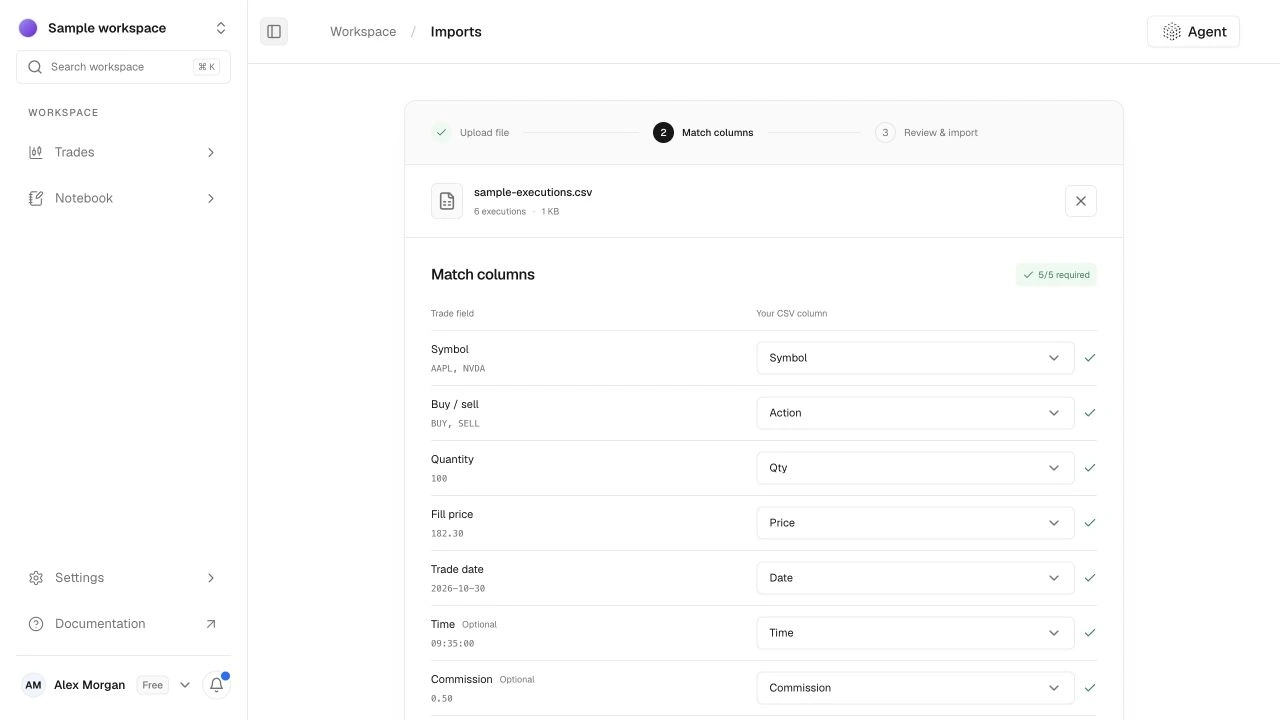
Import your broker CSV, check the details, and build a history you can return to. Find the trade behind a result without reconstructing the session.
Explore the trade journal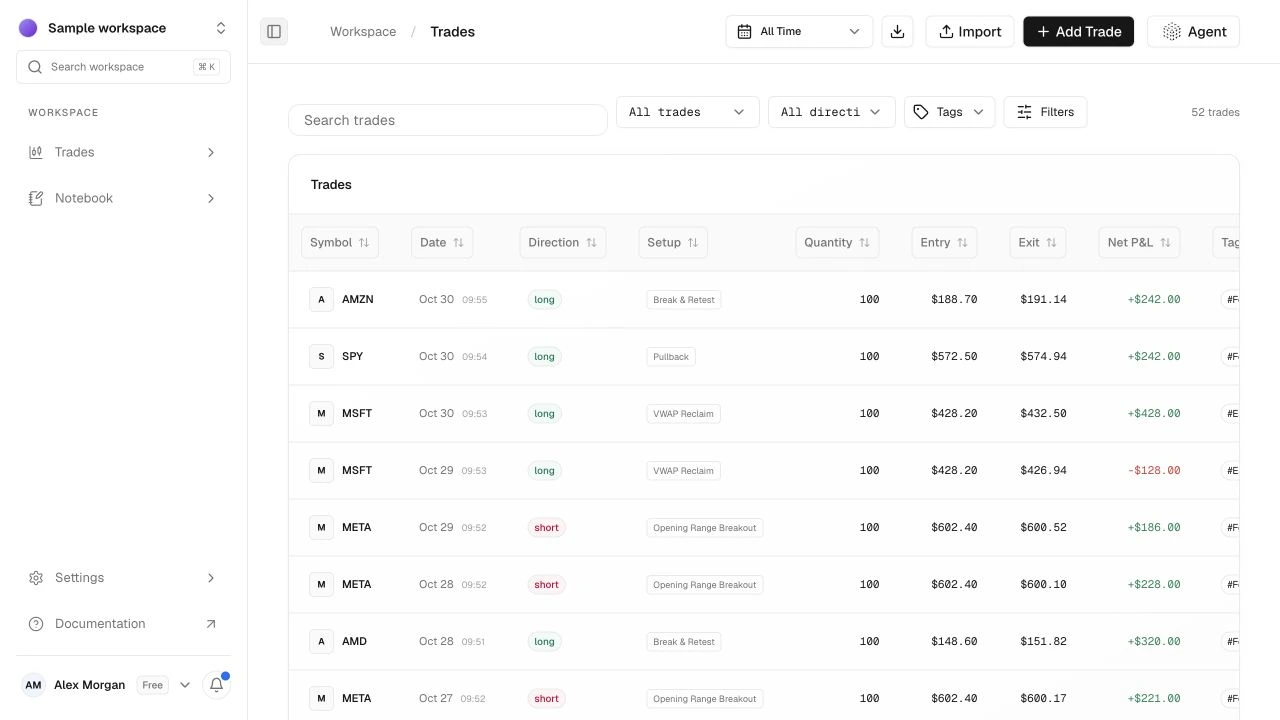
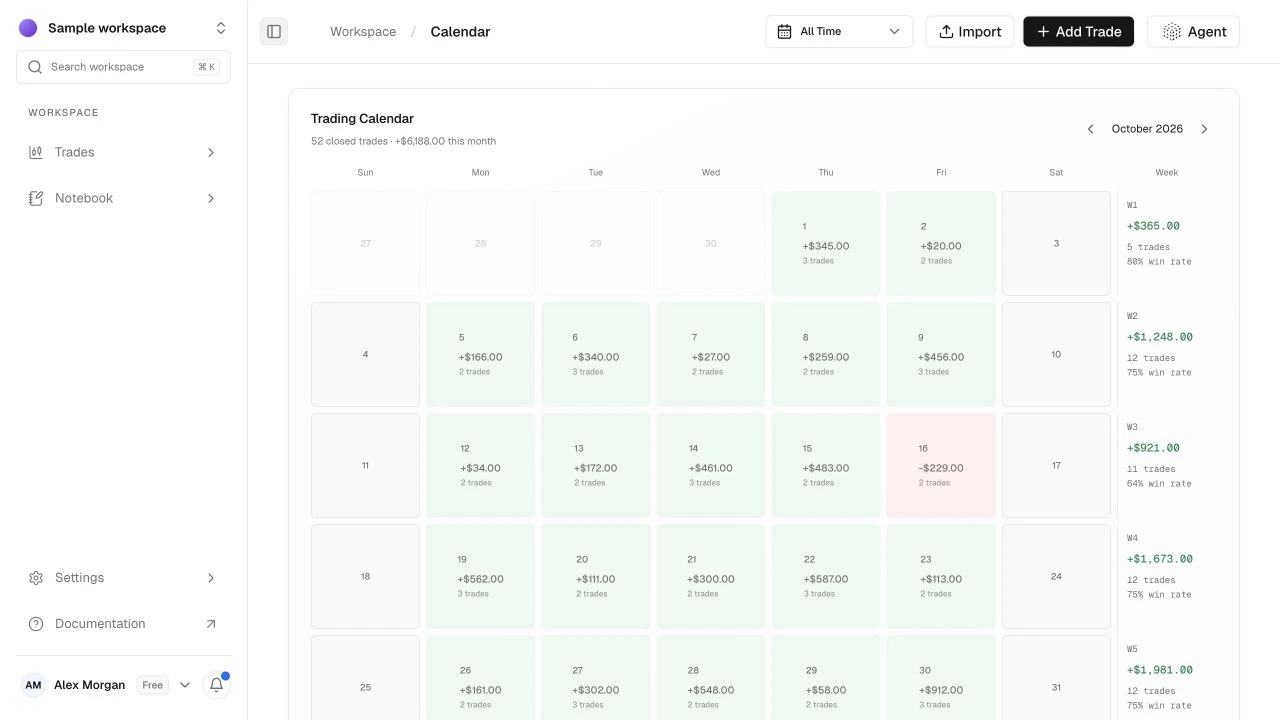
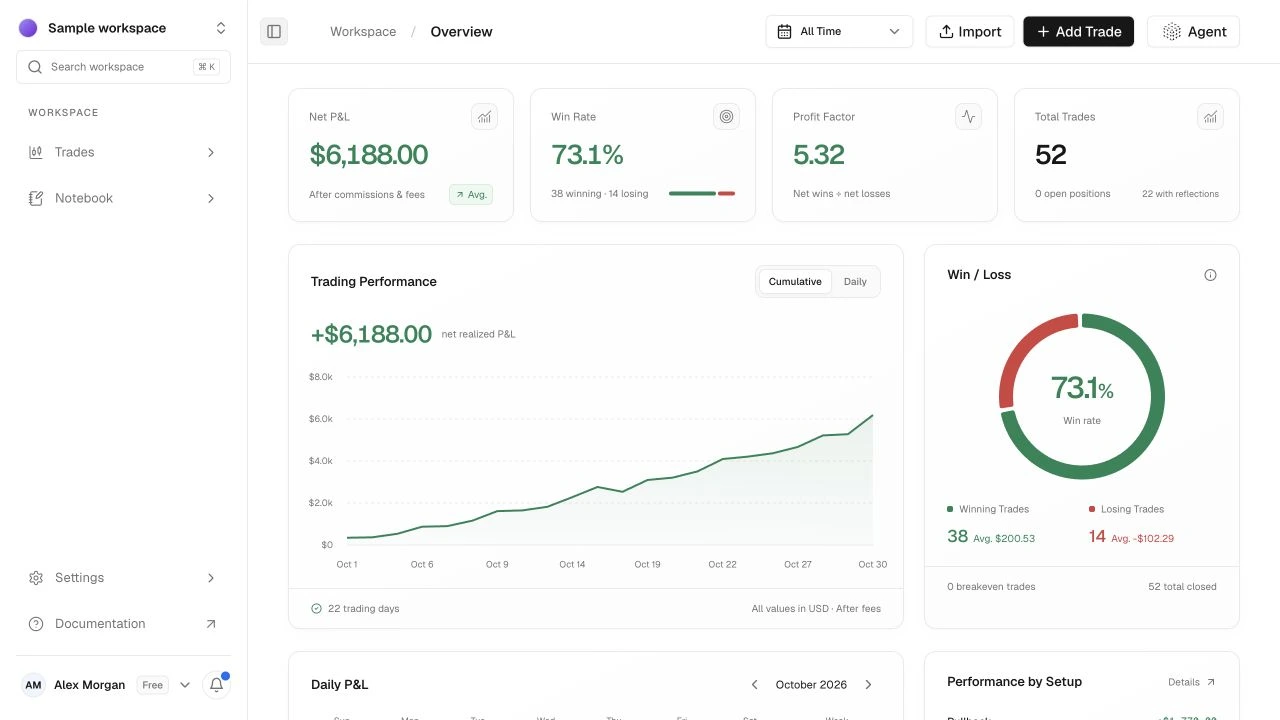
Move from your performance curve to a day on the calendar. Compare the same period, inspect the underlying trades, and give the numbers their context.
Explore performance analytics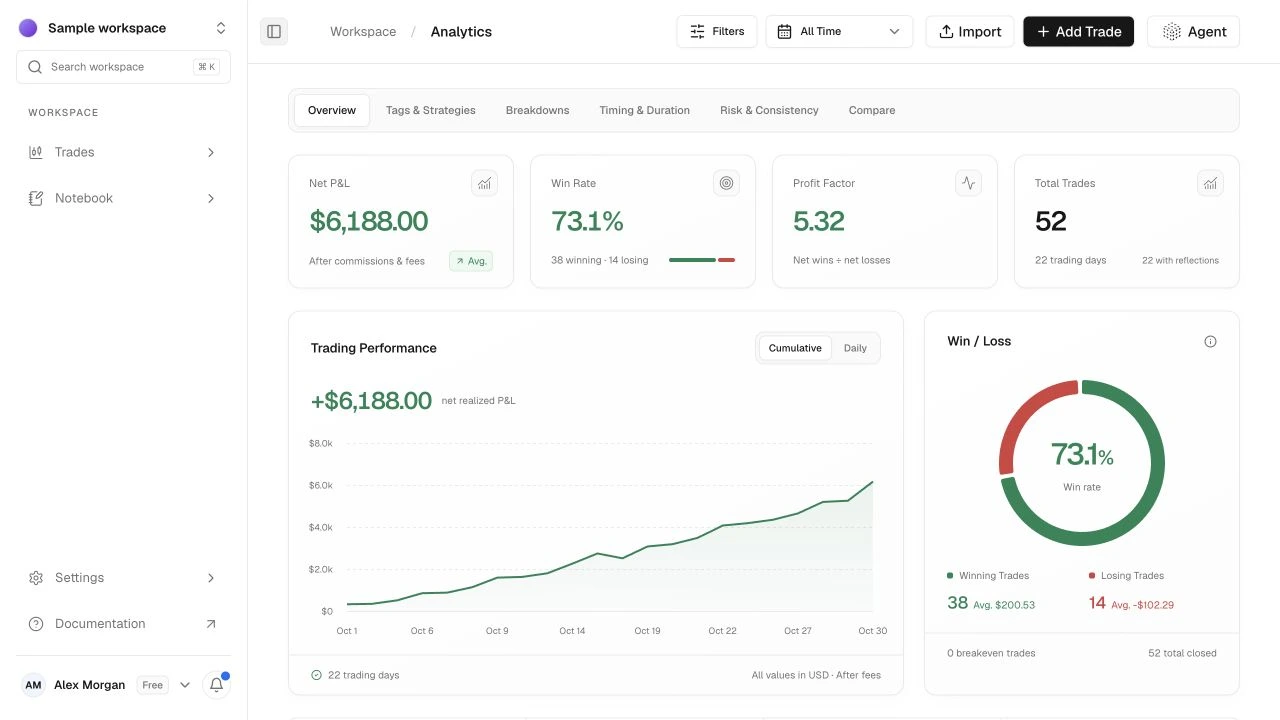
A flexible notebook for the work around your trades. Start a daily plan, document a setup, or turn a week of observations into one useful next step.
Explore the notebook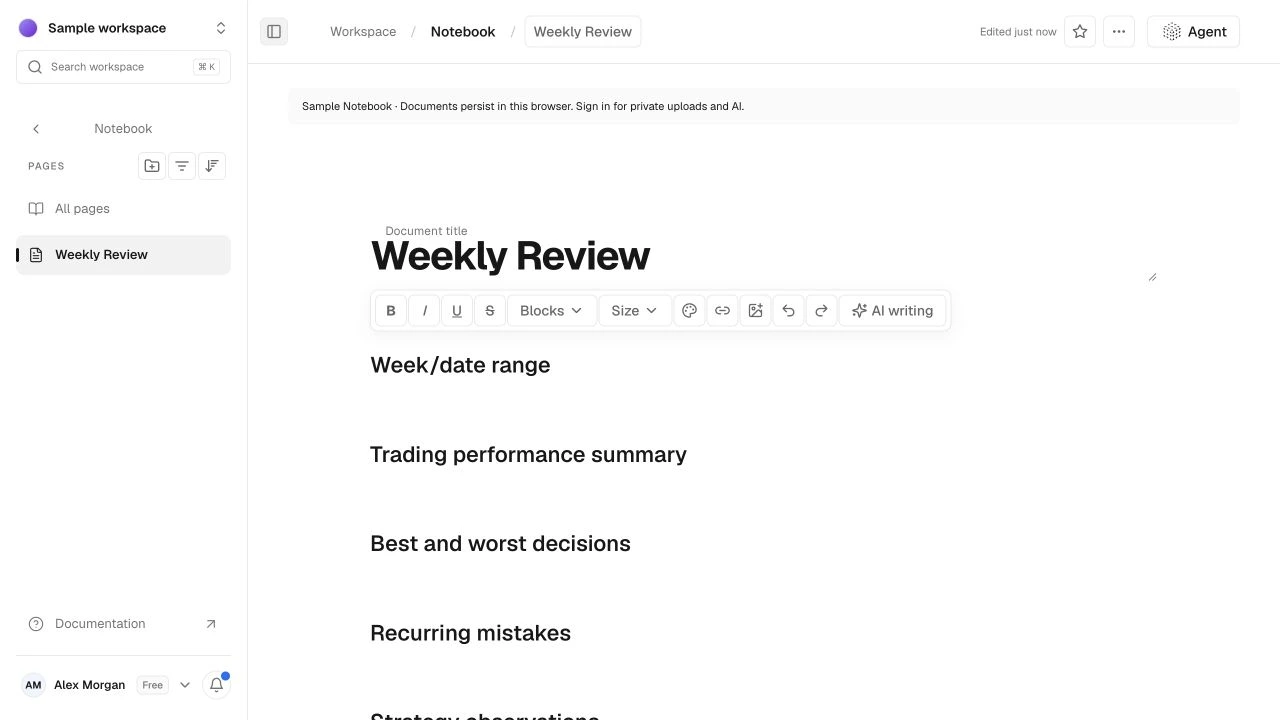
Open Agent alongside your journal to talk through a period, an observation, or an idea. Check its answers against your trade record, then keep what is useful.
Meet Journal Agent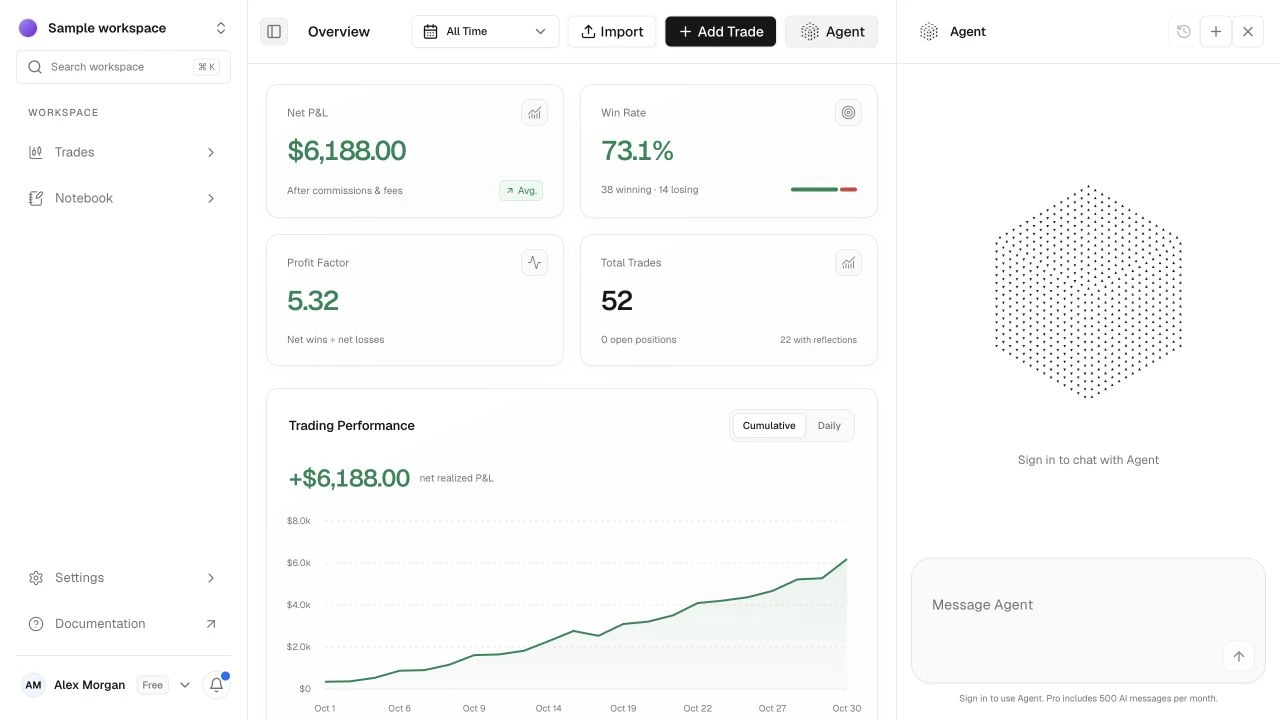
Create a free account, import a supported broker CSV or add a trade, then check the history against your broker records. The demo lets you explore the workflow with sample data first.
Free includes 100 new trades per month, one trading account, 50 MB of storage, basic analytics, Calendar, and Notebook. Saved trade history stays available.
Go includes 100 shared AI messages per month. Pro includes 500 and GPT-6.1 Terra. Agent chat and Notebook AI share the allowance; token and spend safeguards also apply.
Traderbase Journal supports recordkeeping and review. It does not place orders. Check imported records, calculations, and generated observations against the original evidence.