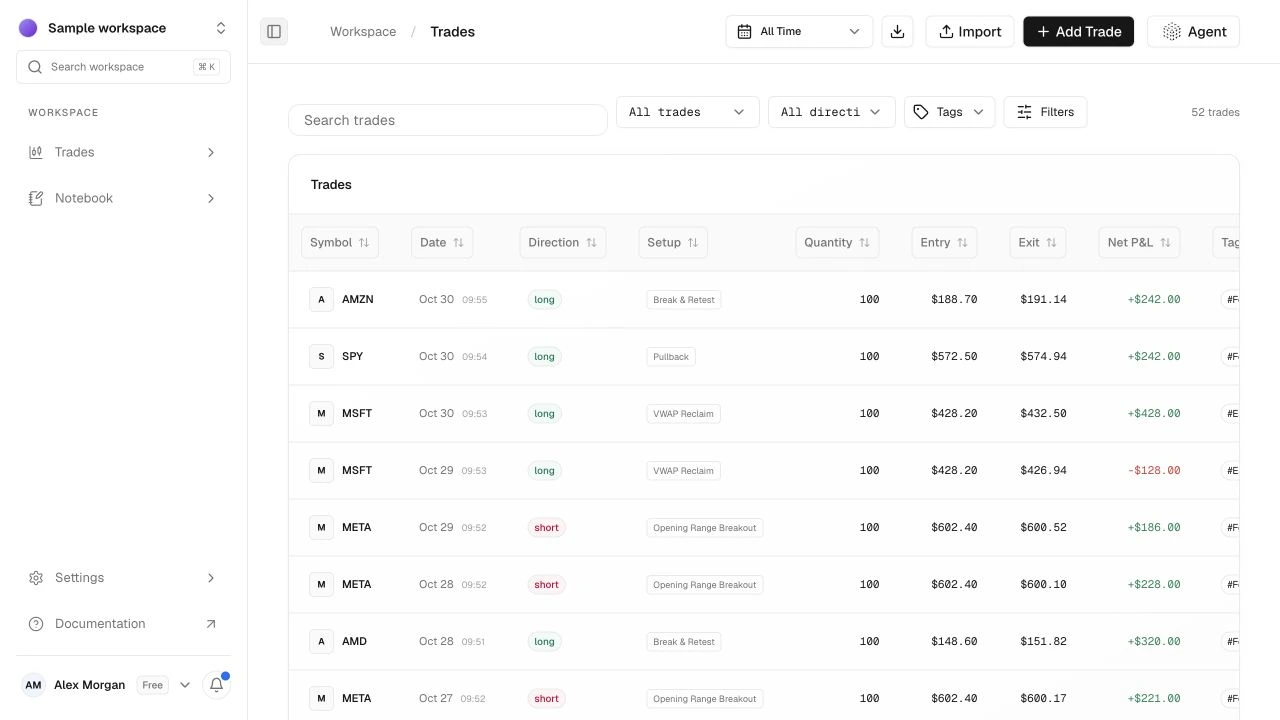
Importing trades
Turn broker exports into a reviewable trade history.
Maintained by Traderbase JournalPrepare a CSV
Export executions from your broker. Keep an untouched copy of the original file and check the import preview for the format being used. In the Match columns step, connect Symbol, Buy / sell, Quantity, Fill price, and Trade date to the correct CSV columns. Map time, commission, and fees when the file includes them.
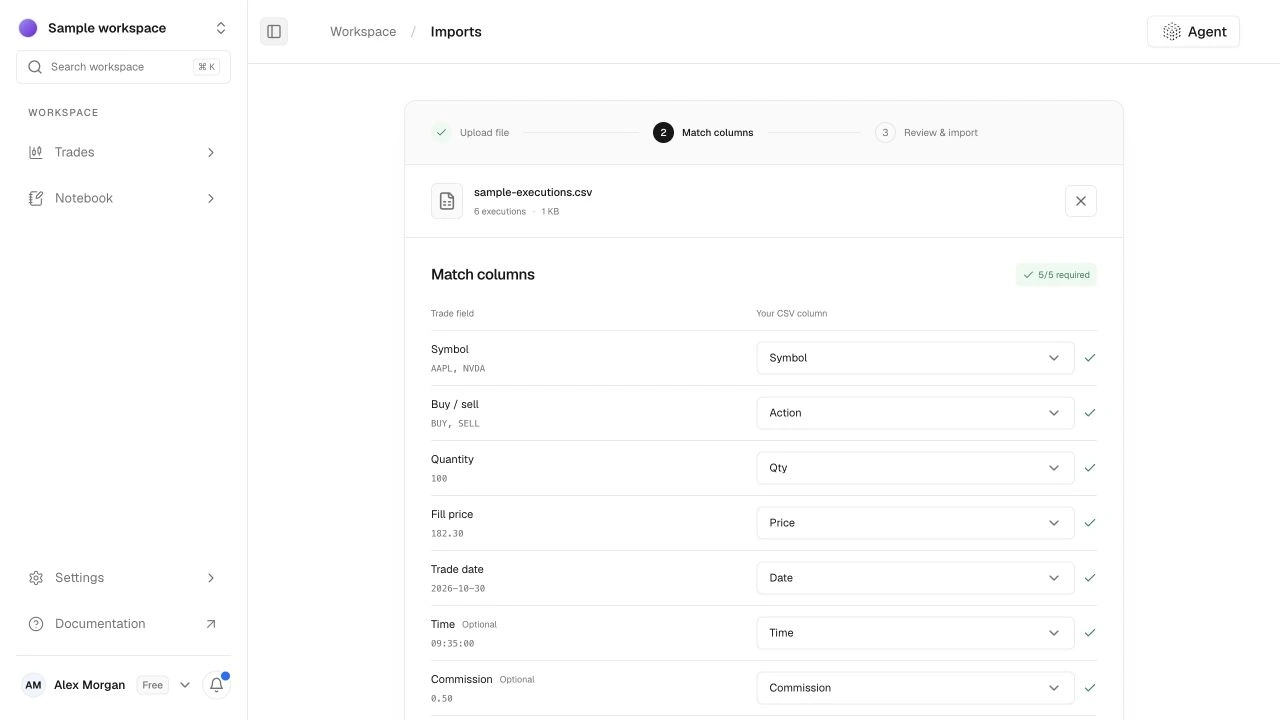
Validate before saving
Check dates, timezone, buy and sell direction, quantities, prices, and fees. Resolve warnings in the preview. An import cannot reconstruct execution details that are missing from the source file.
Reconcile your results
After importing, compare trade counts and net results with your broker statement. Review duplicate and unmatched execution warnings before importing overlapping files.