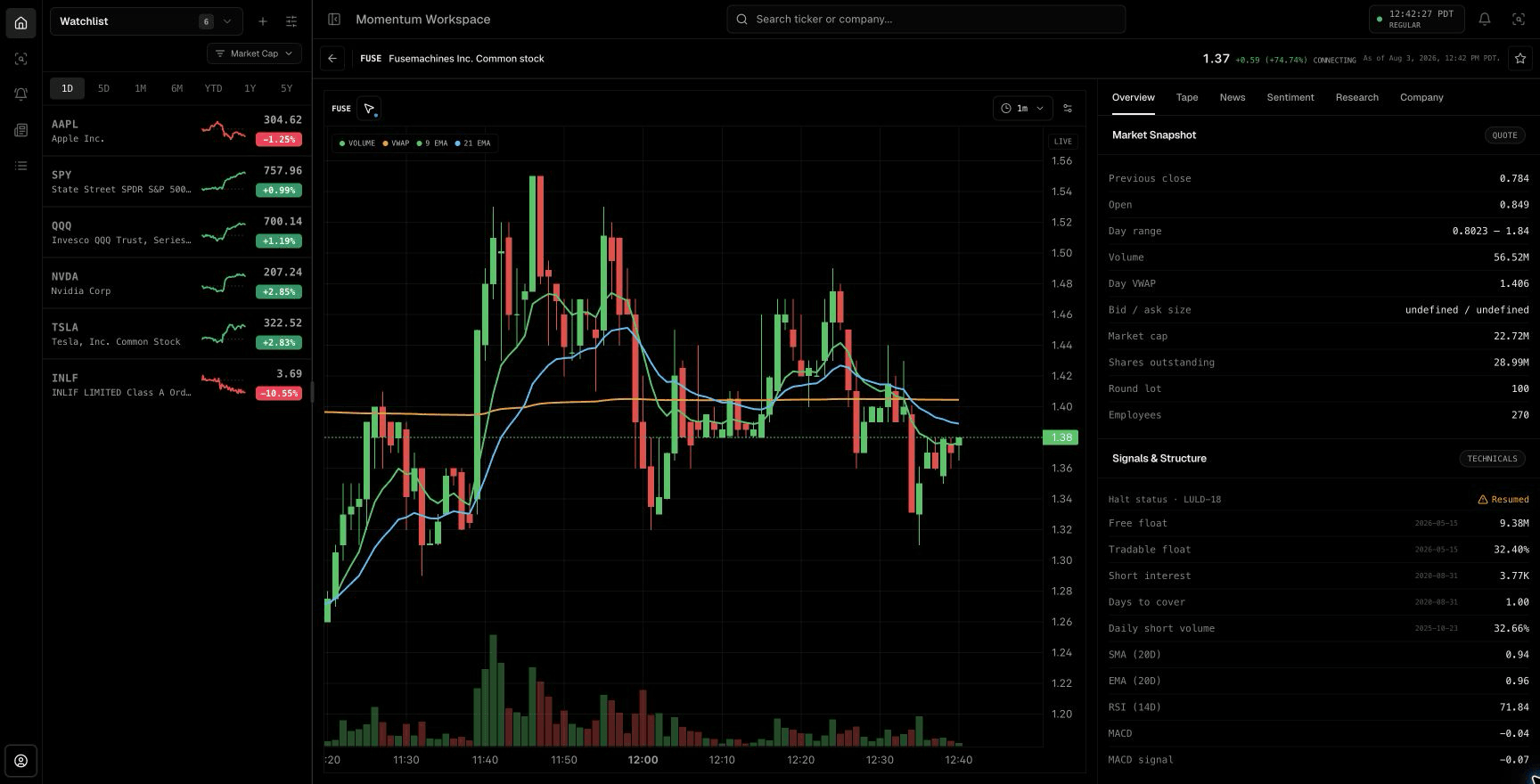
Define which high the scanner is tracking
High of day can refer to the full extended session or only regular trading. A scanner must define that boundary explicitly because a stock can make a new regular-session high while remaining below its premarket high.
The stored high must update in order, using current session data. Late or corrected prints need provider-aware handling so an isolated out-of-sequence trade does not create a misleading trigger.
Watch the approach before the break
A distance-to-high condition can surface stocks consolidating near the level before a new high actually prints. Pairing that proximity with recent volume, relative volume, price change, and minimum liquidity can produce a focused watch list instead of a stream of every marginal new high.
The approach is evidence, not confirmation. Price may reject the level, spreads may widen, or the stock may already be too extended for a planned stop.
- Track the appropriate session high and its timestamp.
- Measure distance from the high before the trigger.
- Require supported recent-volume and liquidity conditions.
- Keep premarket high, VWAP, and nearby daily resistance visible.
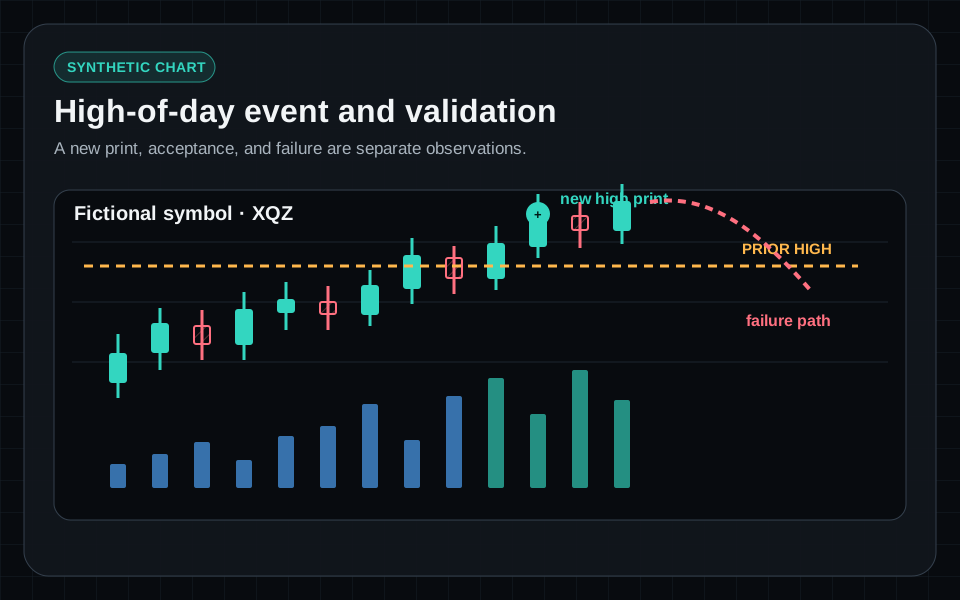
Separate a new print from a confirmed break
A single trade above the prior high creates an objective new-high event, but it can reverse immediately. A workflow can separately monitor acceptance, such as continued trade above the level, an expanding volume window, or a controlled retest.
TraderBase scanners detect the objective event. TradeBase Agent can then retrieve supported follow-up evidence and summarize what changed without rewriting the original trigger.
Control duplicate noise without hiding change
Fast stocks can print many incremental highs. A cooldown, minimum price increment, or material-change rule can keep alerts readable. The event tape should still show a new alert when the configured significance threshold is met.
Display the event timestamp, trigger price, current price, move, relative volume, and connection status so the trader can distinguish an active break from an older alert. TraderBase's Hit # and Since prev fields make repeats visible instead of silently replacing the original event.
Define invalidation before deciding
Possible invalidation references include the breakout level, the most recent higher low, VWAP, or another supported structural level. The appropriate choice depends on the setup and volatility; it should not be selected after the price moves against the position.
A high-of-day event is not a recommendation. The trader remains responsible for liquidity, risk, broker constraints, and whether the evidence justifies any action.
Educational content only. Trading involves substantial risk, and scanner events are not recommendations to buy or sell securities.
Common questions
Questions about this scanner workflow
Is every new high of day a breakout setup?
No. New high of day is an objective price event. Liquidity, volume, extension, resistance, catalyst, and follow-through determine whether the event deserves further attention.
How can a HOD scanner reduce repeated alerts?
Use supported cooldowns, minimum price increments, or material-change thresholds while preserving the original event time and allowing genuinely new conditions to trigger.
Should premarket highs count as high of day?
That depends on the scanner definition. Extended-session and regular-session highs should be labeled separately so the user knows which level triggered.