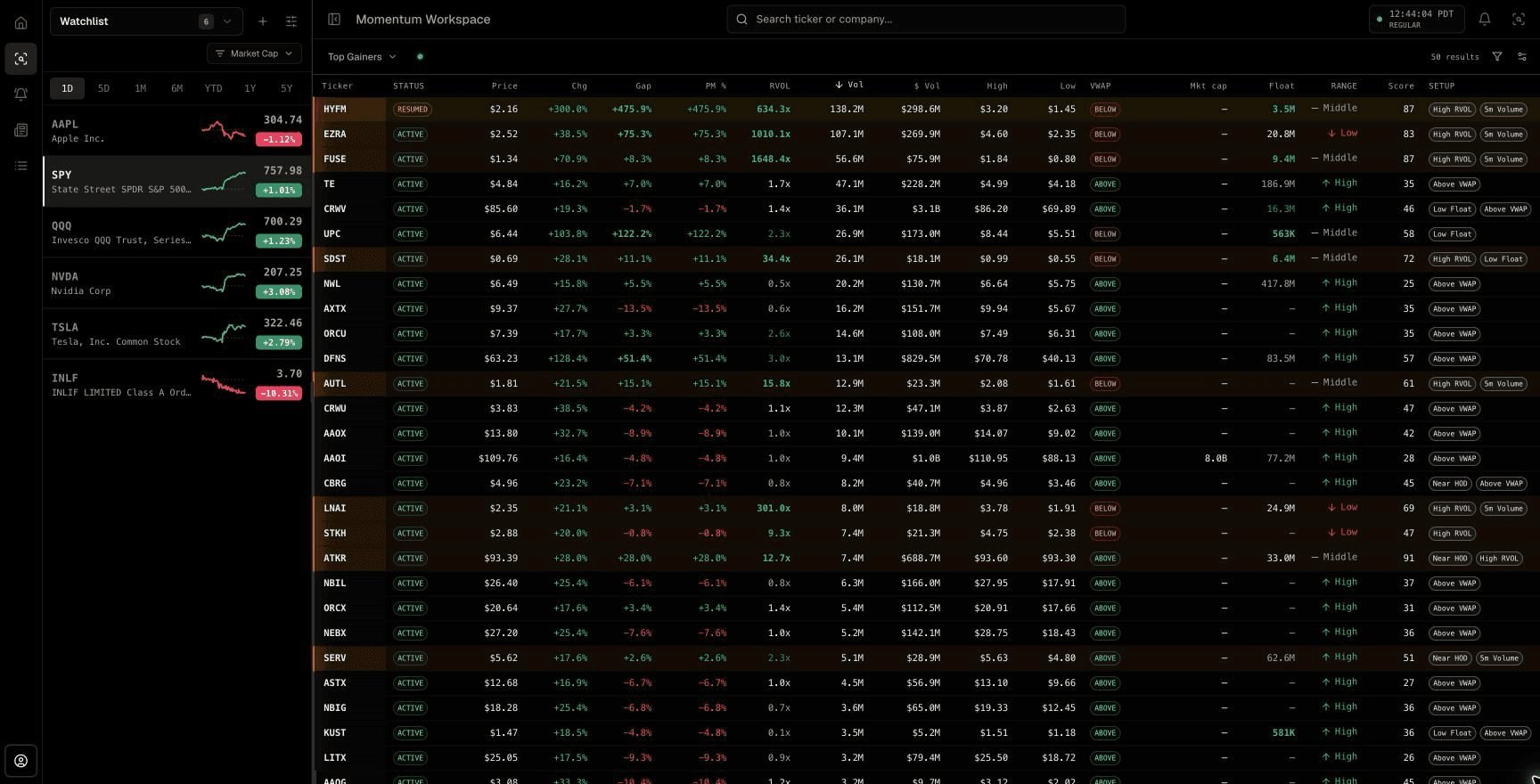
A screener answers a snapshot question
A stock screener filters a market universe using the values available when the query runs. It is useful for questions such as which supported stocks currently fall inside a price range, exceed a market-cap threshold, or show a minimum amount of volume.
The result is a list, not a promise that the list will stay current. If price, volume, or another field changes after the query, the user usually needs a refresh or another scheduled evaluation to see a different result.
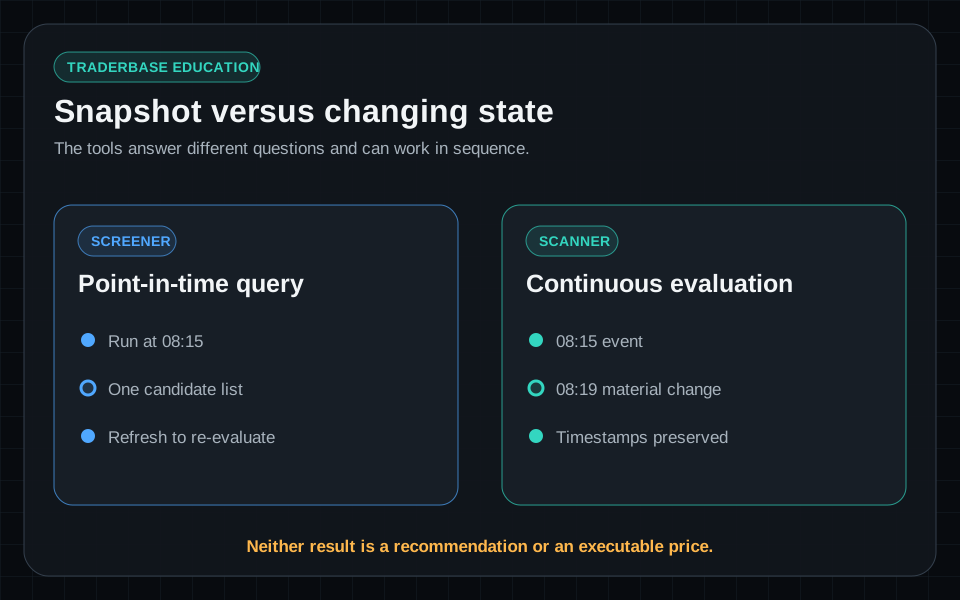
A scanner monitors changing conditions
A stock scanner repeatedly evaluates supported market data and emits an event when a configured condition qualifies. That makes it better suited to time-sensitive conditions such as a new high of day, a VWAP reclaim, an unusual five-minute volume increase, or a halt status change.
The same symbol can generate several legitimate events because the market state keeps changing. In TraderBase's live-alert table, Time, Event, Hit #, and Since prev preserve that history, while Price, change, gap, RVOL, volume, float turnover, and spread retain the evidence available for each hit.
- Screeners organize a point-in-time candidate list.
- Scanners monitor supported conditions as data changes.
- Scanner events need timestamps, status, and recency context.
- Neither tool determines whether a trade should be placed.
Use the two tools at different stages
A morning workflow can start with a screener-style universe filter for price, exchange, float, or market cap, then use scanners to watch that universe for changing momentum, volume, VWAP, breakout, news, and halt events. The first step limits what is monitored; the second identifies when something changes.
TraderBase supports both ideas inside one scanner workflow: presets and custom criteria define the universe, ranked tables compare current candidates, and streaming alert tables preserve qualifying changes. Start by checking connection state and Updated time, then compare move, participation, structure, supply, and catalyst columns. Availability still depends on the connected data source, plan, and session.
Validate every result before deciding
A qualifying row can still have a wide spread, weak liquidity, stale float data, nearby resistance, an offering filing, or no durable catalyst. Carry the ticker into its chart, volume, VWAP, news, SEC filing, offering, and halt context before deciding whether it deserves attention.
A useful scanner reduces search work. It does not convert a filter match into a recommendation, executable price, or expected outcome.
Educational content only. Trading involves substantial risk, and scanner events are not recommendations to buy or sell securities.
Common questions
Questions about this scanner workflow
Is a stock scanner faster than a stock screener?
A scanner is designed to evaluate changing data continuously or at a configured interval, while a screener usually returns a snapshot. Actual update timing still depends on the provider, system design, entitlement, and connection health.
Why can the same ticker appear more than once in a scanner?
A symbol can trigger different conditions or requalify after its state changes. Separate timestamps and event labels help distinguish those events from duplicated delivery.
Does a scanner replace chart analysis?
No. A scanner narrows attention. Charts, volume, liquidity, news, filings, offerings, and halt context help the trader evaluate what the detected condition means.