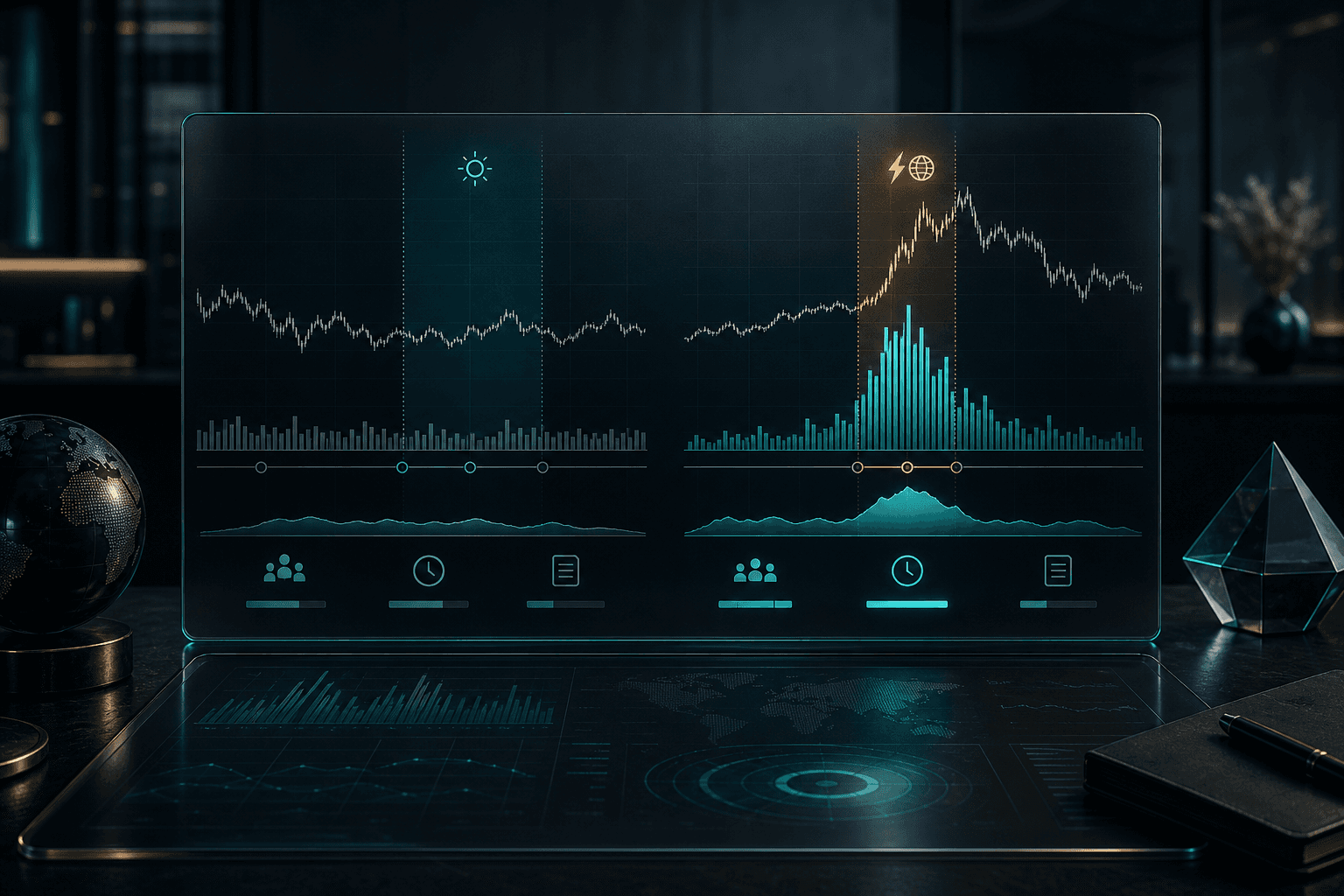
Choose the volume question first
Total session volume asks how many shares have traded. Recent volume asks whether activity accelerated in a short window. Relative volume asks how current participation compares with a supported historical baseline. Dollar volume approximates the value traded and can help distinguish large share counts in very low-priced stocks from deeper liquidity.
These measures answer different questions. A useful scanner names the selected field and window instead of labeling every increase as unusual volume.
Use a time-aware relative-volume baseline
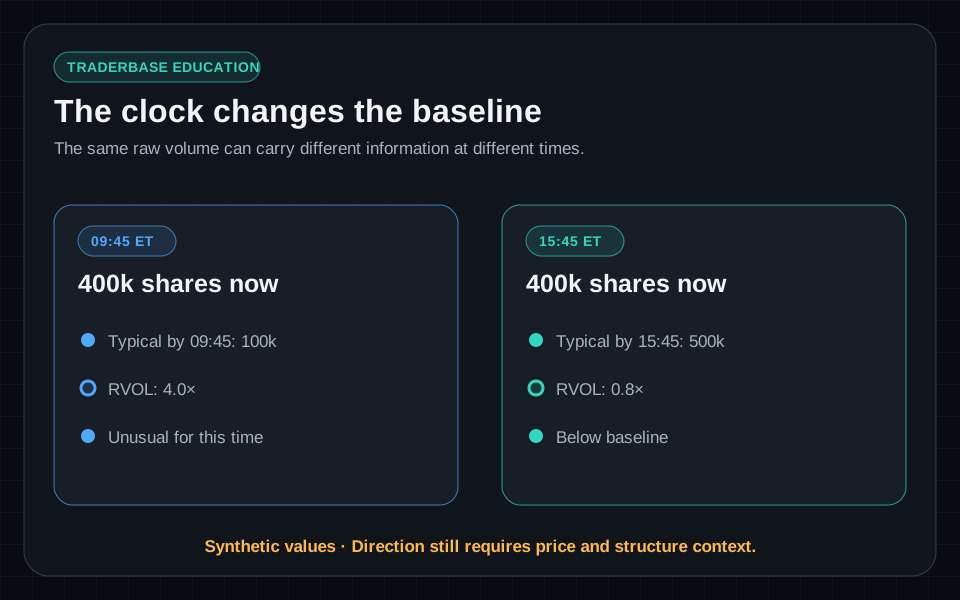
Volume accumulates through the session, so comparing 9:45 a.m. activity with a full prior day can hide meaningful early participation. A time-of-day baseline is more informative when the provider and implementation support it.
Premarket, regular, and after-hours sessions should not be mixed without an explicit definition. Missing historical coverage should be shown as unavailable rather than converted into a misleading ratio.
Stack filters to remove noisy activity
A practical filter stack can combine a minimum recent-volume window, minimum dollar volume, relative-volume threshold, supported price range, and maximum spread or other liquidity proxy. Price change, gap, float, exchange, and news filters can then shape the universe for a specific workflow.
Avoid adding so many conditions that the scanner only describes yesterday’s ideal example. Each filter should answer a clear question and be tested across different market regimes.
- Recent volume: Is participation accelerating now?
- Relative volume: Is activity unusual for this symbol and time?
- Dollar volume: Is enough value changing hands for the workflow?
- Price and spread: Is the symbol plausibly tradable at the intended size?
Separate volume from direction
Unusual volume can accompany a breakout, a breakdown, distribution, a financing reaction, or a temporary block print. It identifies attention and participation, not whether price will rise.
Validate the result against price structure, VWAP, session highs and lows, news, SEC filings, offering context, and whether the activity persists beyond one print.
Use alerts for material changes
A ranked volume table can show the most active candidates, while a streaming alert reports when a configured threshold is crossed. Cooldowns and material-change rules can reduce repeated alerts without erasing event history.
Always inspect the event timestamp and market-data status. A strong value from a delayed feed describes an older condition and should not be presented as a current trigger.
Educational content only. Trading involves substantial risk, and scanner events are not recommendations to buy or sell securities.
Common questions
Questions about this scanner workflow
What is the difference between volume and relative volume?
Volume is an absolute share count for a defined period. Relative volume compares current activity with a historical baseline for the same symbol and, ideally, a comparable time window.
Does unusual volume predict price direction?
No. It identifies unusual participation. Price structure, liquidity, catalyst context, and follow-through are still needed to interpret the activity.
Why add a dollar-volume filter?
Dollar volume adds price context to share volume and can help remove names whose large share count still represents limited traded value. It does not guarantee available depth or a narrow spread.